
Let’s be honest for a moment.
Most of us have done some version of this:
- Bought plants that looked amazing at the nursery
- Planted them with high hopes
- Then watched half of them struggle while the weeds thrived like overachievers
Sound familiar?
Here’s the good news: gardening just got a serious upgrade.
You don’t have to guess anymore. You don’t have to follow generic charts that were written for completely different climates. And you definitely don’t have to keep repeating the same “learning experiences” year after year.
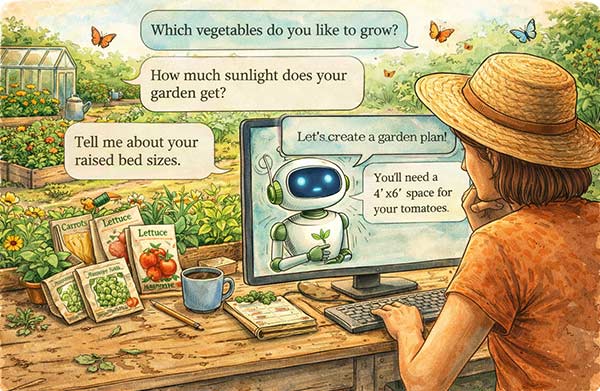
With a little help from AI, you can create a garden plan that is tailored to:
- Your specific location
- Your actual garden beds
- Your sunlight and shade patterns
- What you actually like to eat
Yes, really.
Let’s walk through how to do it step by step.
Step 1: Start With Your Real Garden (Not the Dream One…Yet)
Before you ask AI for anything, you need to describe your garden clearly.
Think of this like introducing your garden to a very smart friend who has never seen it before.
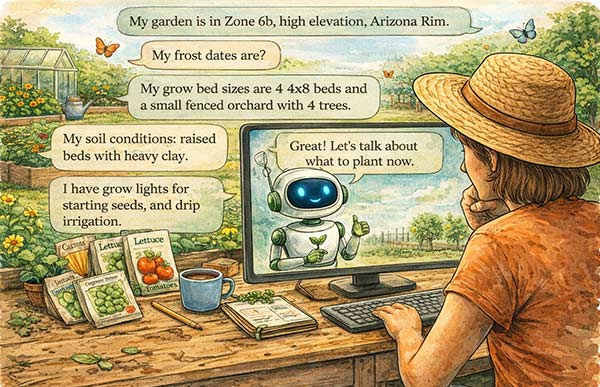
Include details like:
- Your location (for example: Zone 6b, high elevation, Arizona Rim)
- Frost dates if you know them (and if you don’t, then ask AI)
- Bed sizes and layout (4×8 beds, orchard rows, containers, etc.)
- Sun exposure (full sun, partial shade, tricky spots)
- Soil conditions (clay, sandy, amended, raised beds)
- Tools you have (greenhouse, grow lights, irrigation)
The more specific you are, the better your results will be.
Example Prompt:
I live in Zone 6b in a high-elevation area with a short growing season. I have four 4×8 raised beds, one area with partial shade near fruit trees, and access to a small greenhouse. I will give you details to help me plan a productive vegetable garden.
Step 2: Tell AI What You Actually Want to Grow (and Eat!)
This is where things get fun.
Instead of growing what a chart tells you to grow, you can design your garden around your real life.
Think about:
- Your favorite vegetables
- What your family actually eats
- Crops you want to try
- Crops you are tired of failing at
Example Prompt:
I want to focus on tomatoes, peppers, onions, lettuce, and green beans. I would also like to try growing carrots and cucumbers. Can you suggest a planting plan based on these preferences?
Now AI is no longer guessing. It is building a garden that fits you.
Step 3: Add Your Microclimate Details (This Is the Magic Step)
This is where your plan goes from “pretty good” to “wow, this actually works.”
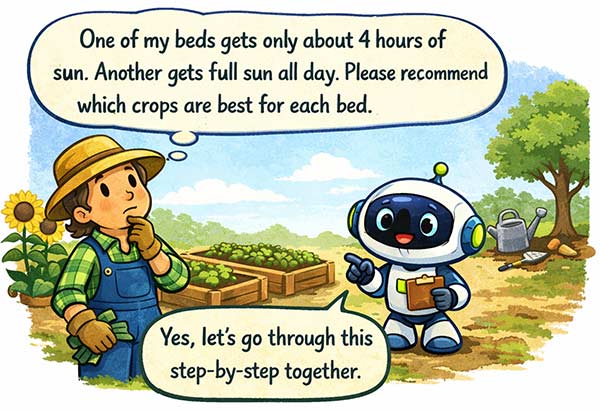
Tell AI about the quirks of your space:
- That one bed that gets blasted with afternoon sun
- The shady spot near your orchard
- The area that stays cooler longer in spring
- The bed that dries out faster than the rest
Example Prompt:
One of my beds gets only about 4 hours of sun. Another gets full sun all day. Can you recommend which crops should go in each bed?
Now your garden plan starts to feel like it was custom-built… because it was.
Step 4: Ask for a Planting Timeline (Goodbye Guesswork)
Timing is everything in a short growing season.
Instead of wondering when to plant, just ask.
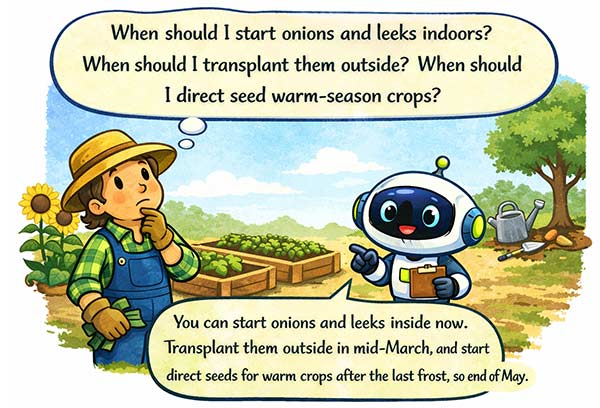
Example Prompt:
Can you give me a month-by-month planting schedule for my garden, including when to start seeds indoors and when to transplant or direct sow?
You will get guidance like:
- When to start onions and leeks indoors
- When to plant cool crops outside
- When to transition to warm crops
- When to sneak in a fall harvest
No more guessing. No more “I think I’m late?”
Step 5: Ask for Soil and Fertility Guidance
Healthy soil = happy plants.
And yes, AI can help here too.
Example Prompt:
What soil amendments should I use for my raised beds to support vegetables like tomatoes, onions, and leafy greens?
You can even go deeper:
Can you suggest organic fertilizers and how often I should apply them?
Now you are not just planting… you are building a system.
Step 6: Add Companion Planting and Crop Rotation
This is where your garden starts working with itself instead of against itself.
Example Prompt:
Can you suggest companion-planting combinations for my crops and help me plan a crop rotation for next year?
You will get ideas like:
- Tomatoes + basil
- Carrots + onions
- Cucumbers + nasturtiums
- Corn + beans + squash
And just like that, your garden becomes smarter and more resilient.
Step 7: Refine, Adjust, and Keep Asking
Here is the secret sauce.
Your first plan does not have to be perfect.
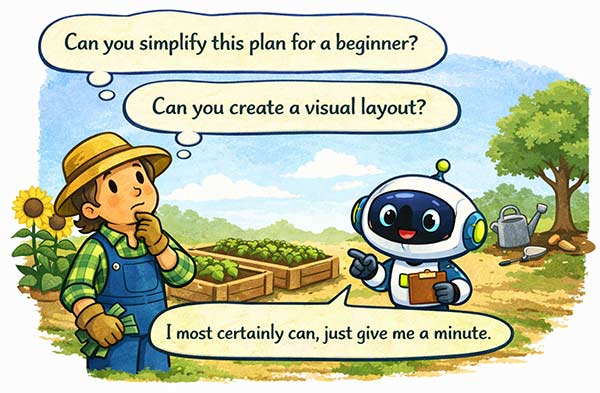
You can keep refining it.
Try follow-up prompts like:
- “Can you simplify this plan for a beginner?”
- “Can you make this fit into just two beds?”
- “Can you create a visual layout?”
- “What could go wrong with this plan, and how do I avoid it?”
AI is not a one-time tool. It is more like a gardening partner that never gets tired of your questions.
Even with the perfect plan:
- Your seedlings will still act personally offended by wind
- You will still check the weather more than usual
- You will still carry trays in and out like a plant chauffeur
But here is the difference…
You will know why you are doing what you are doing.
And that is where gardening shifts from hopeful guessing… to confident growing.
Final Thought: This Is Your Garden, Your Way
The beauty of using AI is not perfection.
It is personalization.

No two gardens are the same.
No two gardeners are the same.
And now, your plan does not have to be either.
So go ahead:
- Dream it
- Plan it
- Grow it
And if your tomatoes still try to take over the entire bed…
Well, at least now it was part of the plan.